
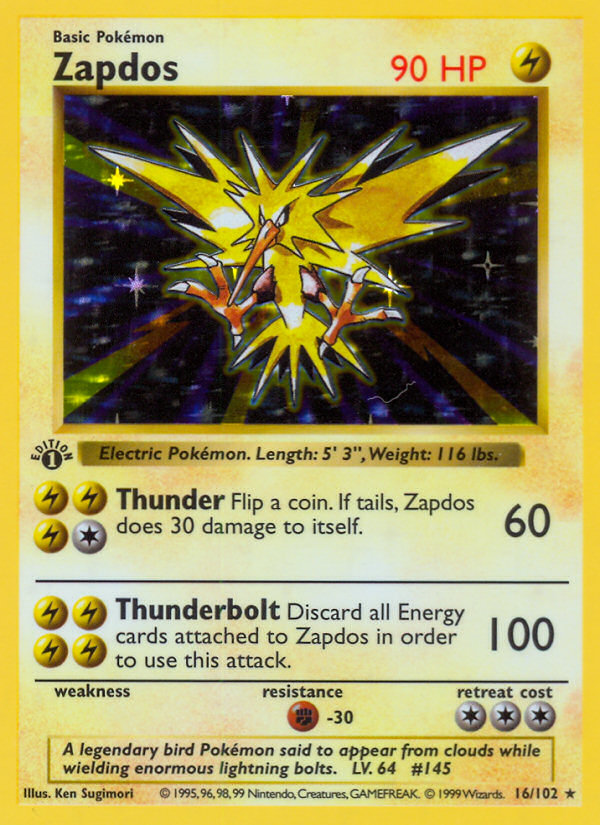
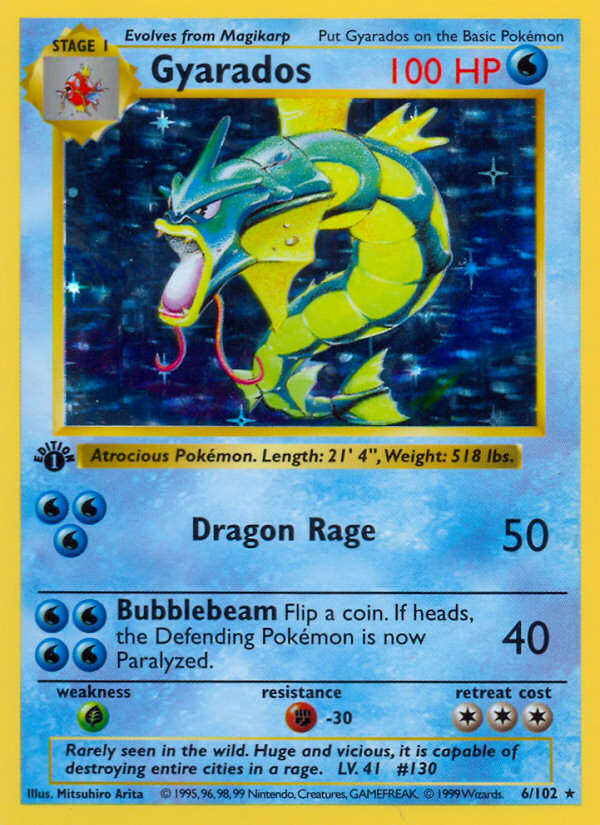
Before you list a card on eBay, Binder hands you the pile of recent comps by grade. You get listing dates, venues, and links to each sale, grade-separated bins, an outlier flag, a 30-day rolling median, sale velocity, and breakeven math for grading.
- Every card page shows recent comps with the listing date, the venue, and a link to the original sale.
- Grade-separated bins for PSA 10, 9, and 8, plus raw NM and played.
- An outlier flag and a 30-day rolling median keep wash trades from anchoring your price.
- Sale velocity over the last 7, 30, and 90 days tells you whether to list now or wait.
- Pre-grading breakeven math compares a PSA 10 sale, minus grading and fees, against the raw price.
The comp list, in one view
Every Binder card page shows the most recent comps with the listing date, the venue (eBay store or auction), and a link out to the original sale. When you are writing a listing, that pile is your floor. Above it sits the spread to the next grade; below it is where you compete with the cheapest live listings.
- Recent eBay sales with listing IDs and direct links.
- Grade-separated views. PSA 10, 9, 8 all in their own bins, plus raw NM and played.
- Outlier flag on suspiciously high or low sales so you do not anchor on a wash trade.
- A 30-day rolling median that ignores the most recent week if it looks anomalous.
When to list and when to wait
The "wait" call is harder than the "list now" call. Binder shows the velocity of recent sales. The number of cards in the comp universe sold in the last 7, 30, and 90 days. If velocity is rising and price is rising, you have a market that wants more inventory. If velocity is falling, listing now usually means a longer time-to-sale.
Pre-grading checks
Before you submit a card to PSA or CGC, Binder shows the breakeven math: PSA 10 sell price minus the grading cost minus a typical seller fee, versus the raw sell price. For most modern cards the math does not work; for vintage holos in pack-fresh condition, it usually does. The app shows you the number, not a recommendation.
What it will not do
There is no consignment or marketplace integration. Binder does not take a percentage of your sales and does not pull listings from your eBay account. We compute prices off the public market and stay out of the actual transaction. That keeps the incentive simple: the more accurate the price, the more useful the app, and that is the only thing we are scored on.